Manage your Goals in One Place
Goalscape's Visual Goal Management lets you see at a glance how you're doing and where to focus.

Visualize

Visual Goal Management to track all your goals, subgoals and tasks in a single clear Big Picture map.
Prioritize

Having a Big Picture overview of your goals helps you focus on what matters now and what to do next.
Achieve

When you organize your projects in Goalscape, it supercharges your productivity, team alignment and success.
How Goalscape Works
Define, prioritize, track — plus the tools to keep your focus sharp and your team in sync.
Define Goals and Subgoals
Start with your top-level goal, then break it into subgoals and sub-subgoals until you have concrete actions.
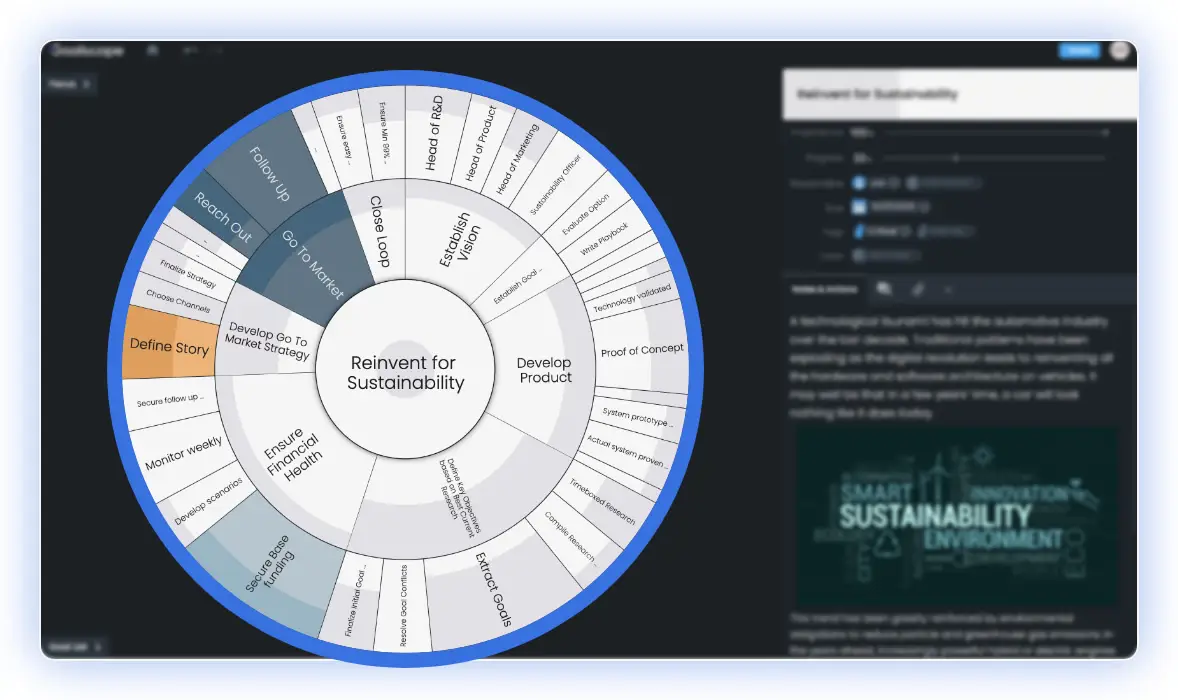
Prioritize and Act
Set Importance on every goal so the visual size reflects what matters most. Use Now and Next tags to label goals for impact and urgency.
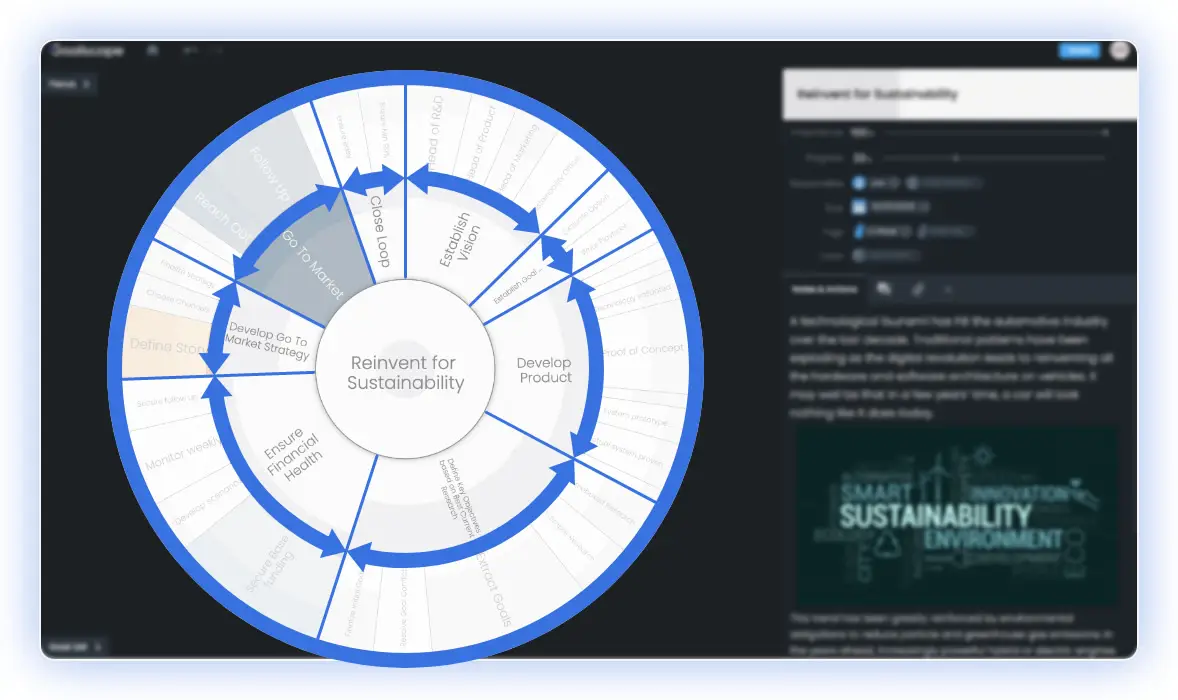
Track Progress and Frequently Review
Mark progress as you go — the entire structure updates live, rolling up from leaves to the central goal. Review weekly to adjust priorities with confidence.
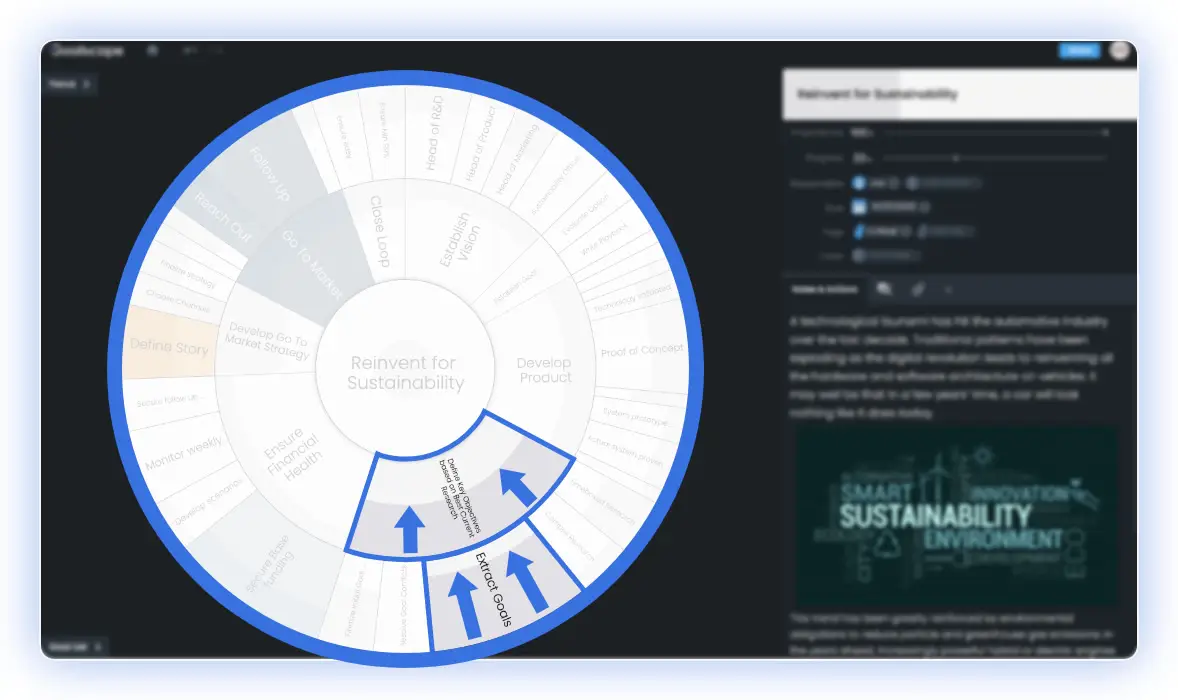
Notes, Tags, Attachments, Timescales
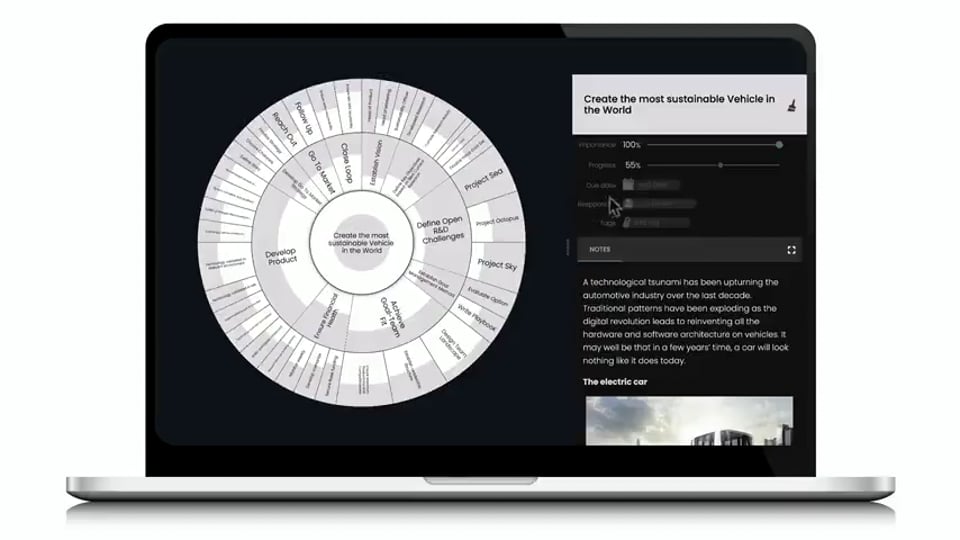
Insert Notes and Attachments in any format; set Timescales, assign Responsibility and add contextual Tags to your goals.
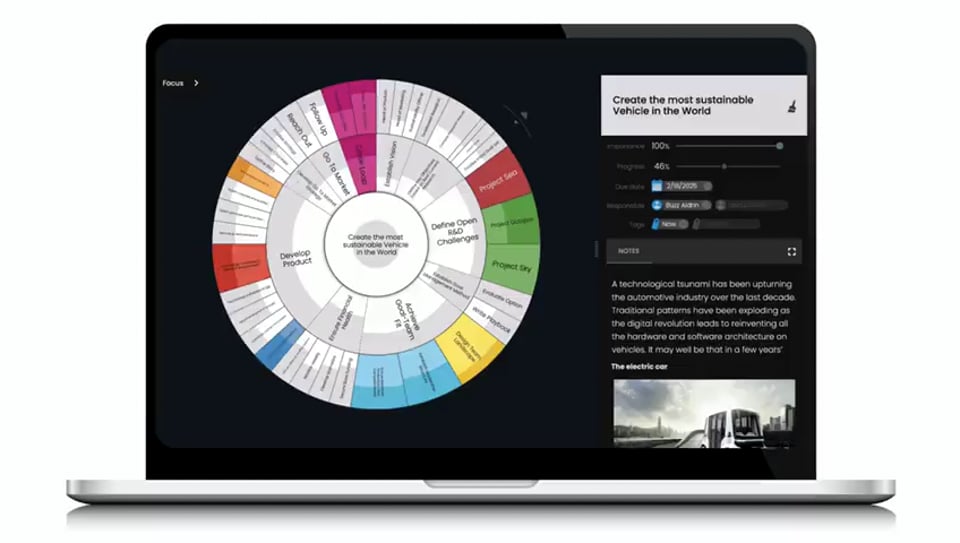
Apply color-coding for a quick visual way to associate goals in different areas.
Filter, List, Share, Collaborate
To achieve your long term goals you always need to know what to do right now.
Goalscape supports this essential Focus: use Now and Next tags, then filter your goals by Date, Progress, Responsibility and Tag — and generate Goal Lists.
When working in teams, share goalscapes to ensure goal alignment and collaborate with purpose — and run Goalscape natively inside Microsoft Teams where your team already works.
Comment on any Goal
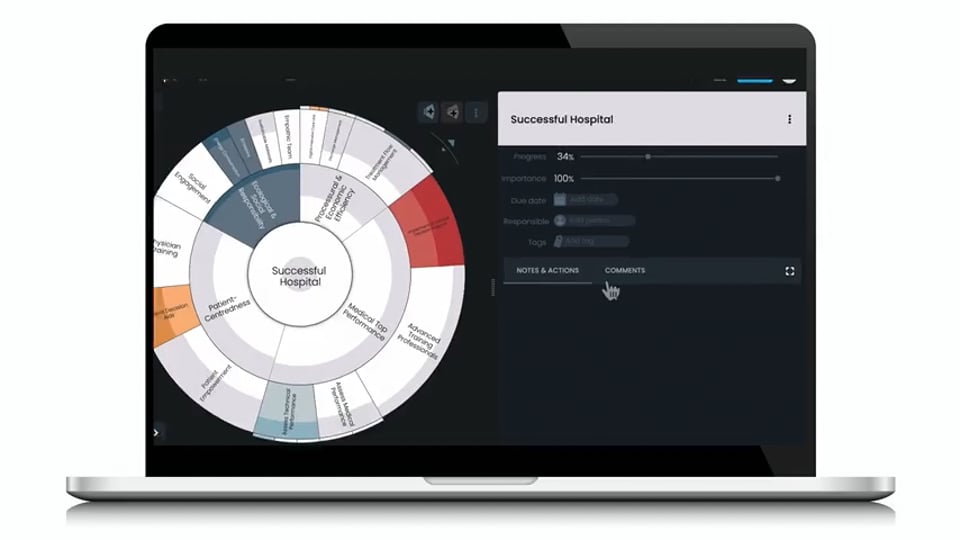
In Goalscape you can comment on a goal and decide which of your collaborators is to receive an email notification about it.
And you do not have to decide on a subject for the email: the goal name IS the subject! And good subject lines help to avoid costly context switching.
Connect Goalscape to Claude
Goalscape now connects natively to Claude, Anthropic's AI assistant. With your permission, Claude can see your projects, break goals into subgoals, analyze progress, and mark tasks complete — working alongside you, in real time.
Built on the open MCP standard. You stay in the driver's seat — Claude only acts when you ask it to. See how to connect Goalscape to Claude →