Lighter, Brighter, Faster Goalscape
Explore the latest enhancements to Goalscape's unique UI for improved performance, clarity and usability. Watch our video summary for more insights.
The new Goalscape UI is lighter and brighter, and the latest performance enhancements make it run faster than ever. Read the details below or watch the following video summary: https://vimeo.com/980725017
Lighten up your Goals
Switch between Dark and Light mode using the toggle top right. 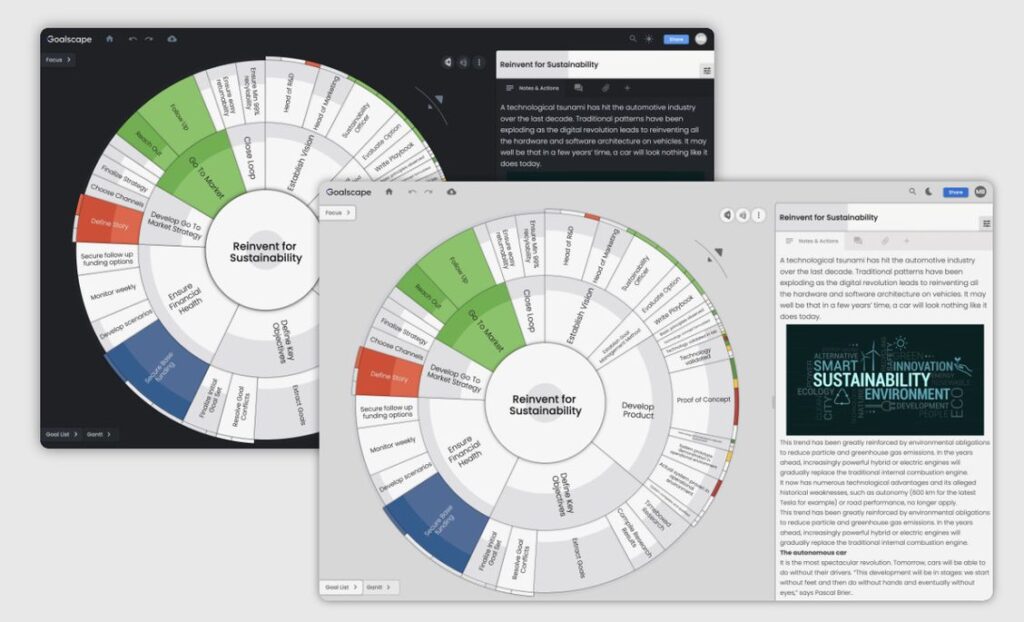
Custom Color Themes
Define your own color theme. Copy your corporate colors from a PDF or your website, then pin the color theme so it is used on all new Goalscape projects. 
Improved Goal Labels
To see goal names appear horizontally in the goal map just mouse over them. 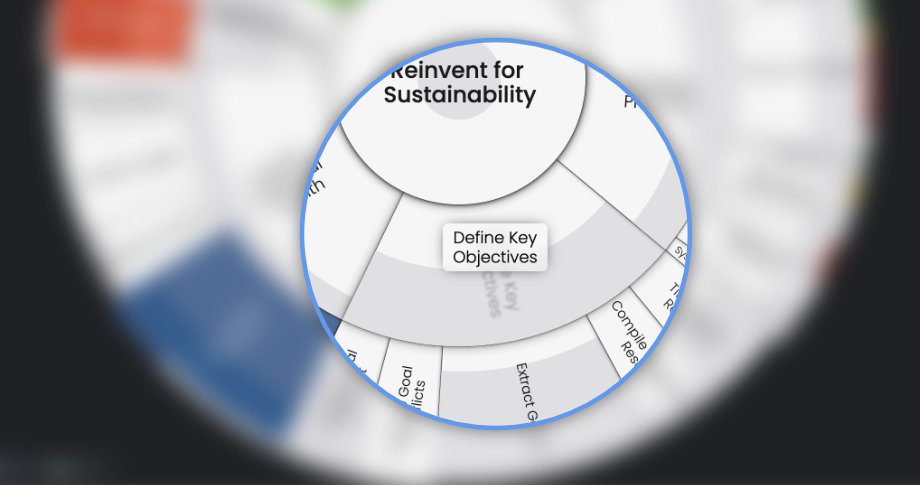 For those who use long goal names there is a new option to display the name in full, even if that makes the text very small.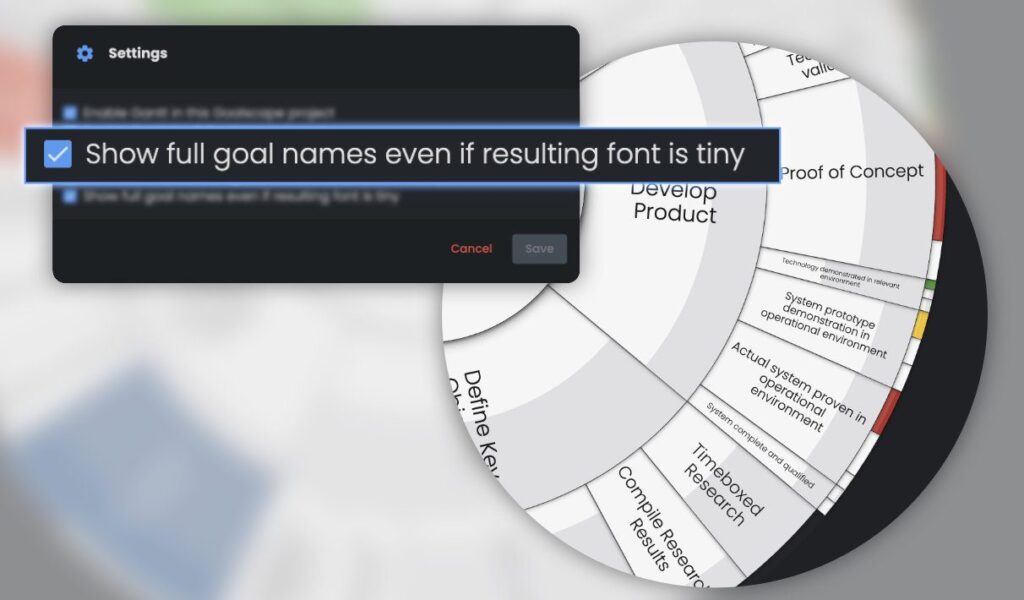
Content Presence Hints
See which goals have Notes, Comments or Attachments – without opening that tab. If content is present the icon is colored blue. 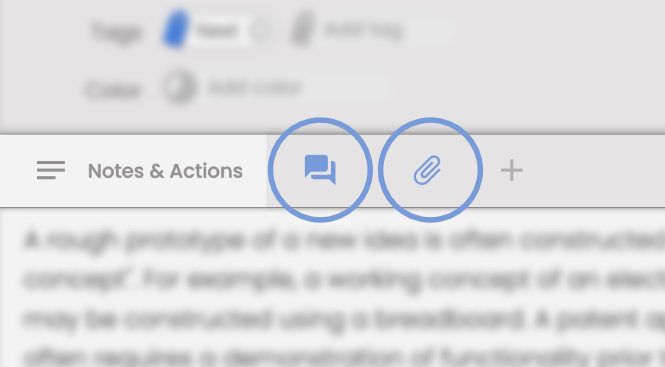
Importance and Progress Spotlight
For better focus when setting relative Importance and adjusting Progress. 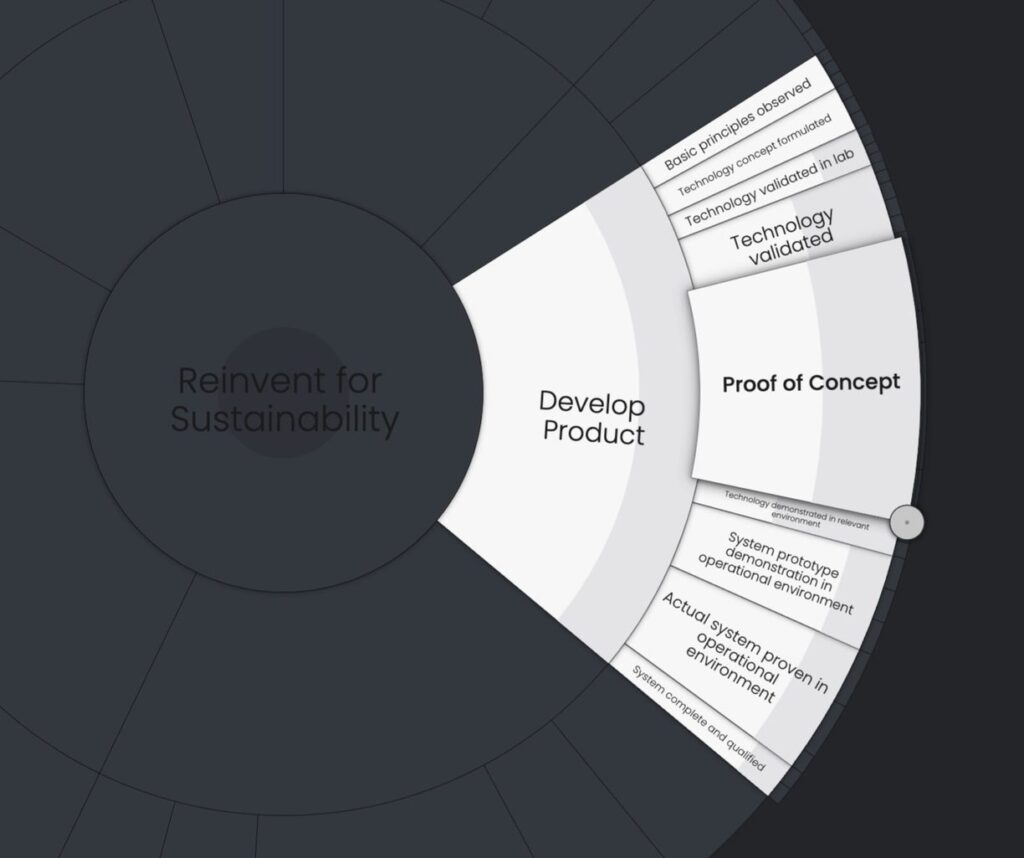 Please let us know what you think – you can use the Chat facility in Goalscape , on this website or click 'Email' in the footer below.